 SamuelWize Wallpapers
Coast to Coast — an American road-trip live wallpaper you can drive
A 16-bit road trip across America that lives behind your desktop icons. It drives the Dream Machine sea to sea through six US regions all day — then you press Ctrl+Alt+P and take the wheel for a real driving arcade. A car live wallpaper for Windows 10 & 11, multi-monitor ready.
Ctrl+Alt+P and you're driving it
Runs behind your icons · License key — up to 5 devices · No subscription
A living road trip across America, on your desktop
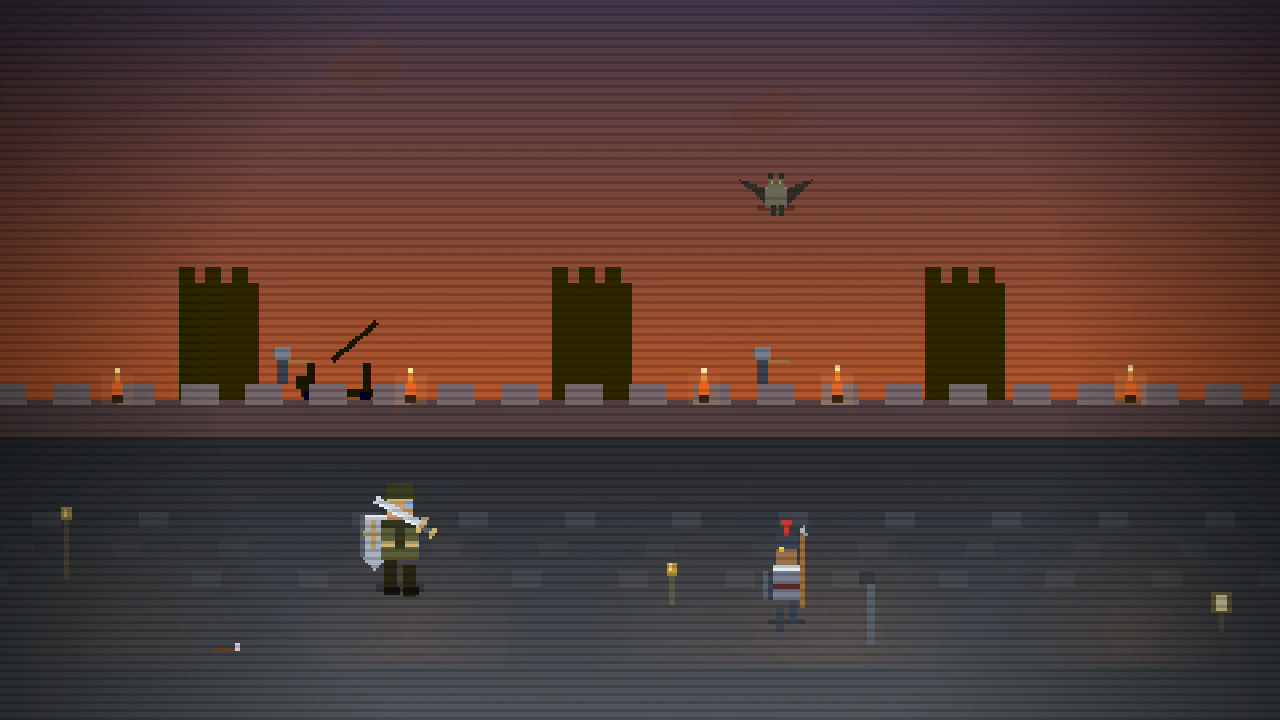
Coast to Coast: The American Dream Machine is a hand-built 16-bit world that runs as a true animated wallpaper behind your icons. In attract mode it drives the Dream Machine sea to sea through six scored US regions, the art moving to the music. Press Ctrl+Alt+P and it becomes a playable driving arcade — steer, jump and react through the same six regions, with the number keys 1–6 to jump straight to any one of them. It's far more than a static car wallpaper or a looping video: it's a desktop road trip you can actually drive.
Where the road takes you
The Concrete Canyons
Open at dawn in the city that never sleeps, weaving the yellow cab through New York's towers.
The Bayou Run
Skim the swamp by airboat through the misty Louisiana bayou, counting what stirs below.
The Great Plains Derby
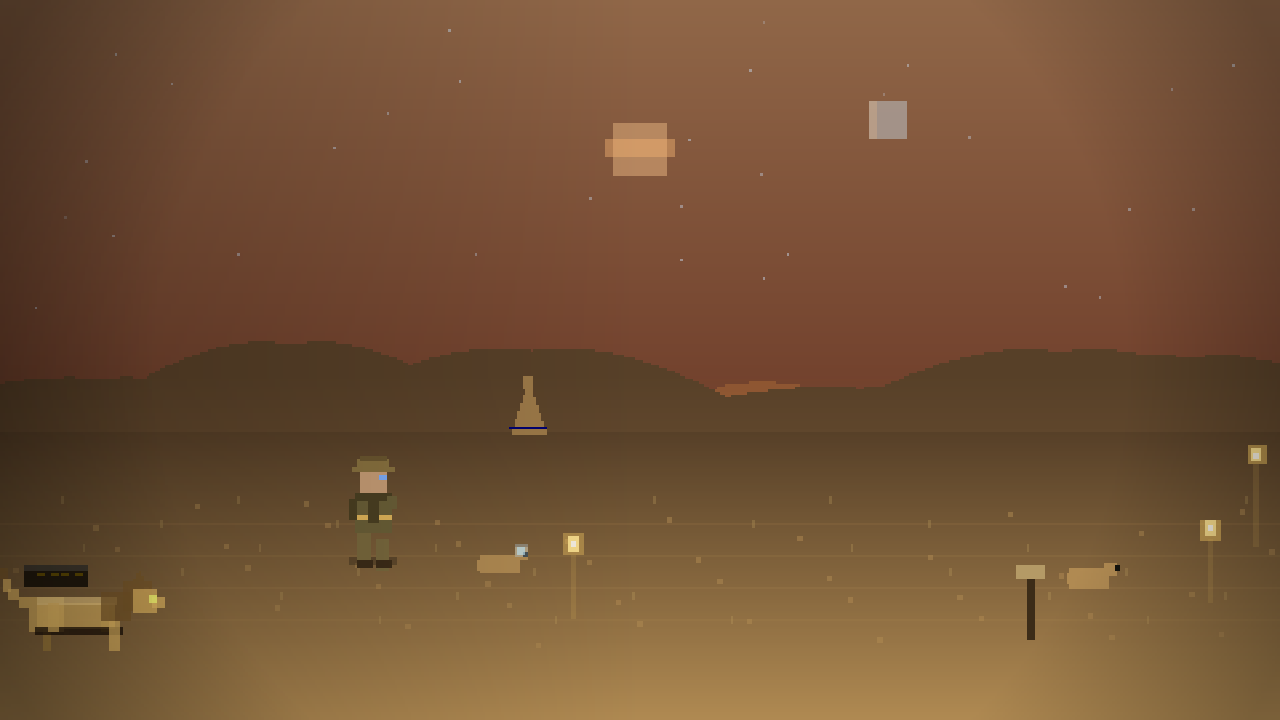
Open the throttle and match a wild mustang stride for stride across the prairie.
The Grizzly Ridge
You woke the bear — outrun a grizzly through the Rockies to reach the mountain cabin.
The Mojave Mile
Ride Route 66 through the Mojave desert, minding the quicksand that swallows the road.
The Pacific Coast
The long road ends where the ocean begins — the camper bus rolls into the Pacific finale.
Not a picture. A world.
Click in and drive
Press Ctrl+Alt+P and the wallpaper becomes a real driving arcade. Press again to hand it back to the demo.
Runs behind your icons
It lives on your desktop as a true animated wallpaper — frame-capped, quiet in the background, and it pauses for fullscreen games.
Song-synced 16-bit
Six US regions, each scored and cycling in attract mode. The art moves to the music, with CRT scanline and HUD toggles.
From download to living desktop
Install the free app
Download SamuelWize Wallpapers for Windows. It's free, needs no account, and comes with two full packs to try.
Buy Coast to Coast
Get the pack for a one-time £2.99 through the Lemon Squeezy checkout. A license key arrives by email.
Paste your key & drive
Enter the key in the app and Coast to Coast unlocks instantly. Set it on any monitor and press Ctrl+Alt+P to drive.
Good to know
Is Coast to Coast a live wallpaper or a game?
Which versions of Windows does it support?
How much does it cost?
Will it slow down my PC?
Explore the rest of the gallery
Put Coast to Coast behind your icons.
Install the free app, unlock Coast to Coast for £2.99, and your desktop becomes a living road trip across America.