 SamuelWize Wallpapers
Dungeon Dash — a pixel-art dungeon live wallpaper you can play
A living 16-bit dungeon run that lives behind your desktop icons. It storms the castle gate and dives through six stages all day — then you press Ctrl+Alt+P and take up sword and shield for a real arcade dungeon run. A retro RPG/fantasy live wallpaper for Windows 10 & 11, multi-monitor ready.
Ctrl+Alt+P and you're running it
Runs behind your icons · License key — up to 5 devices · No subscription
A living 16-bit dungeon run, on your desktop
Dungeon Dash is a hand-built pixel-art dungeon live wallpaper that runs as a true animated wallpaper behind your icons. In attract mode it charges your hero through the castle gate and down into six scored stages, the art moving to the music. Press Ctrl+Alt+P and it becomes a playable arcade run — dash, leap and swing your sword through traps, soldiers and the beast below. It's far more than a static fantasy wallpaper or a looping video: it's a retro RPG/fantasy live wallpaper you can actually play.
Where the dungeon run takes you
The Castle Gate
Storm the wall under a dusk sky as the archers loose their arrows to open the run.
The Castle of Darkness
Fight your way up the great stair through cold stone halls and torn banners.
The Ramparts
Cross the wall under siege as crossbow bolts, gargoyles and rolling boulders fly.
The Hall of Doors
Take the one true path through a violet hall of a hundred doors and loot.
The Catacombs
Push through the green-lit crypts where the dead do not sleep and bats swarm.
The Dungeon Depths
Free her and fell the beast in the red-hot depths — the finale of the run.
Not a picture. A dungeon.
Click in and play
Press Ctrl+Alt+P and the wallpaper becomes a real arcade dungeon run. Press again to hand it back to the demo.
Runs behind your icons
It lives on your desktop as a true animated wallpaper — frame-capped, quiet in the background, and it pauses for fullscreen games.
Song-synced 16-bit
Six stages, each scored and cycling in attract mode. The pixel-art moves to the music, with CRT scanline and HUD toggles.
From download to living desktop
Install the free app
Download SamuelWize Wallpapers for Windows. It's free, needs no account, and comes with two full packs to try.
Buy Dungeon Dash
Get the pack for a one-time £2.99 through the Lemon Squeezy checkout. A license key arrives by email.
Paste your key & run
Enter the key in the app and Dungeon Dash unlocks instantly. Set it on any monitor and press Ctrl+Alt+P to play.
Good to know
Is Dungeon Dash a live wallpaper or a game?
Which versions of Windows does it support?
How much does it cost?
Will it slow down my PC?
Explore the rest of the gallery
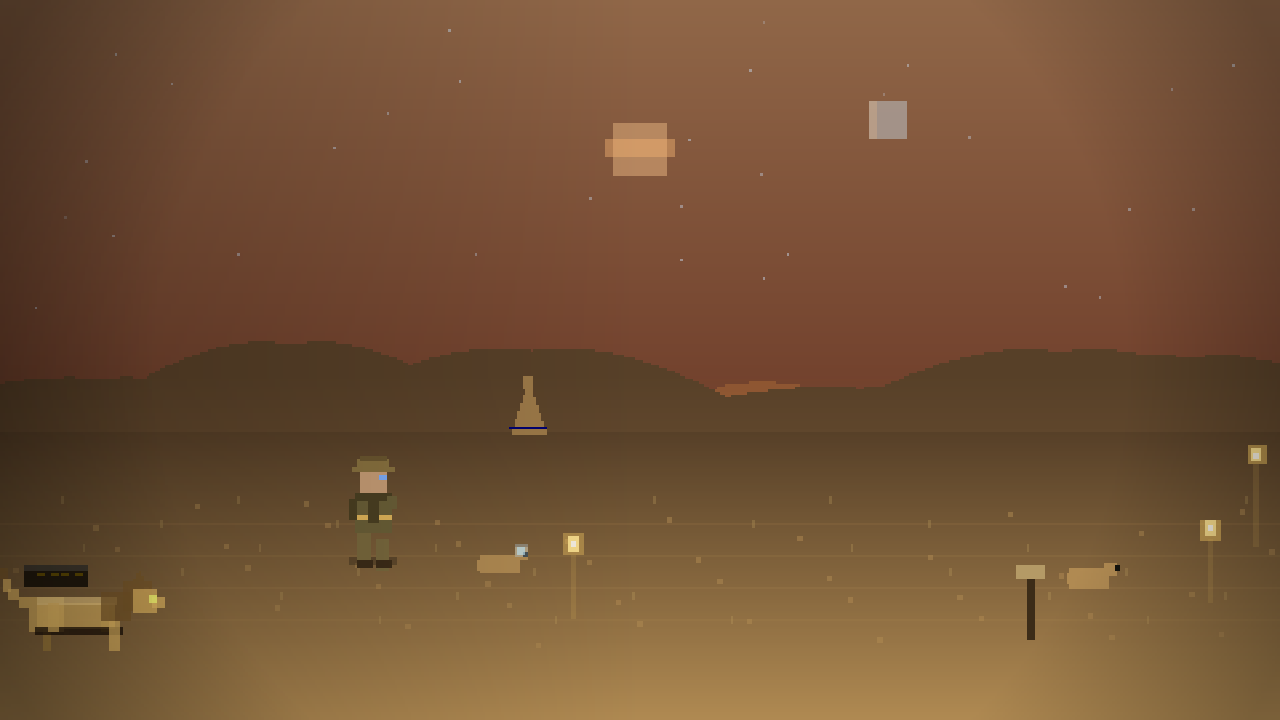
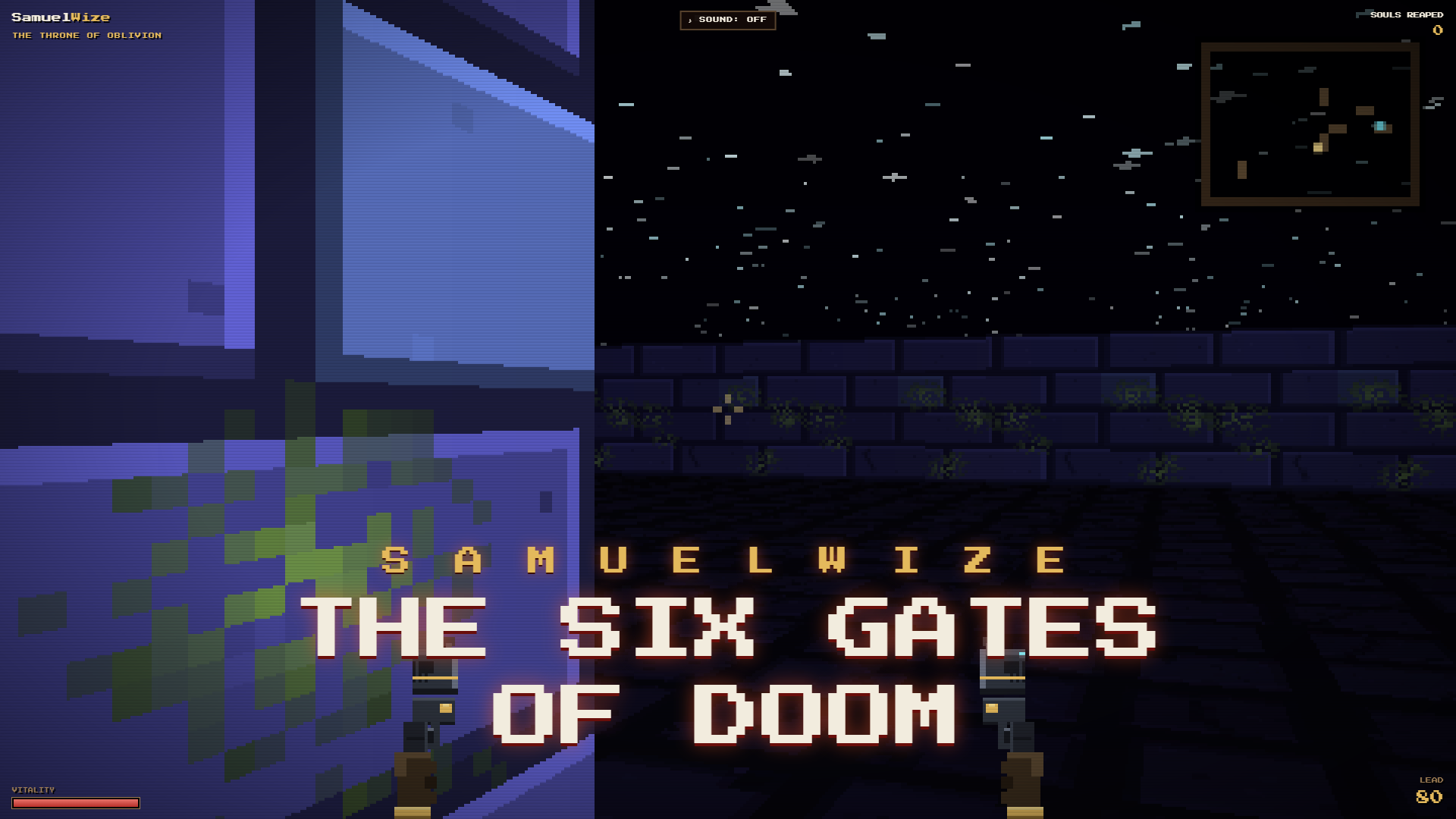
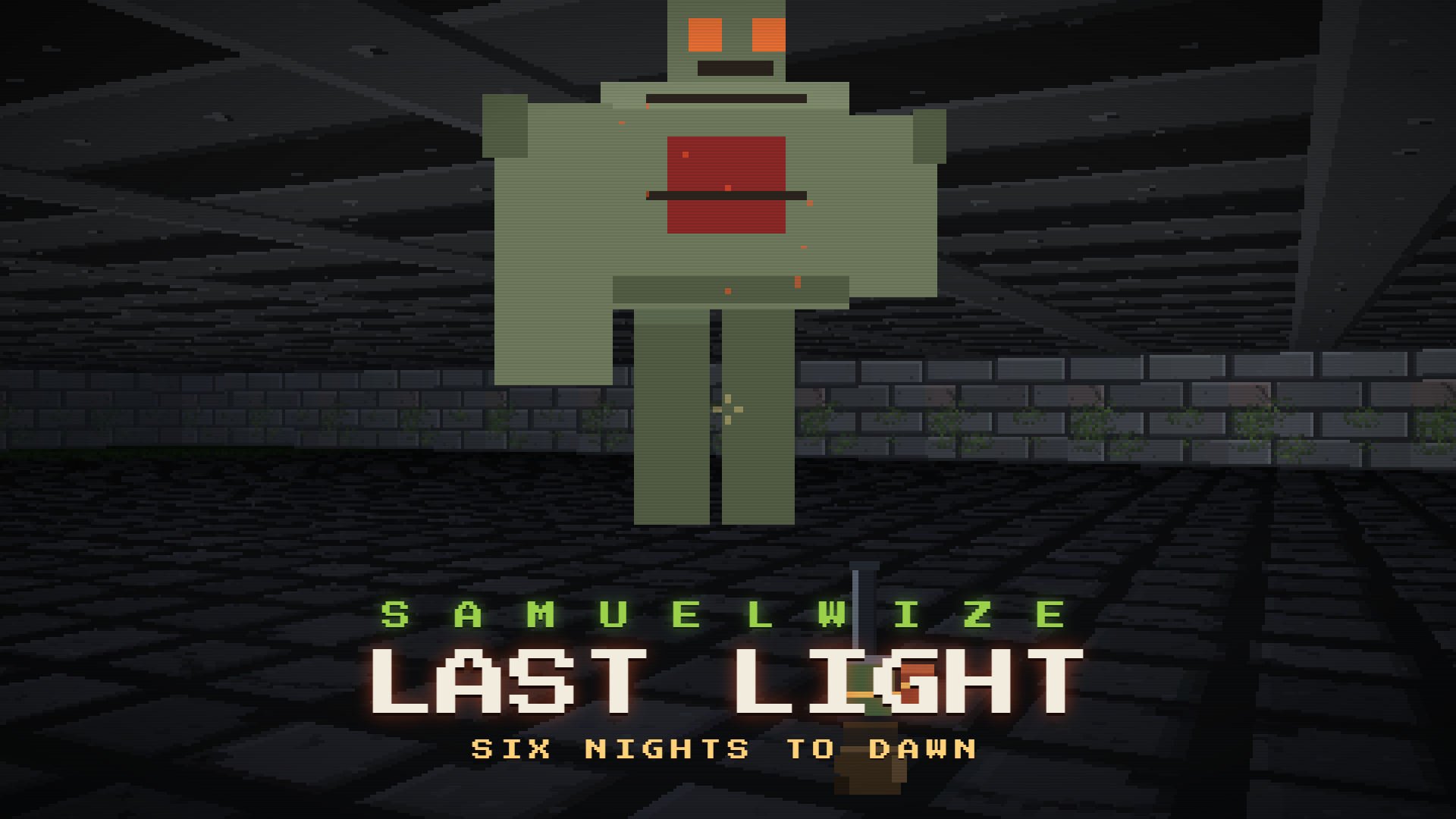
Put Dungeon Dash behind your icons.
Install the free app, unlock Dungeon Dash for £2.99, and your desktop becomes a playable 16-bit dungeon run.