 SamuelWize Wallpapers
Street Force — Golden Road, a free arcade live wallpaper you can play
A free retro arcade live wallpaper for Windows that lives behind your desktop icons. SamuelWize auto-runs across six 16-bit stages — from Viking shores to deep space — all day, then you press Ctrl+Alt+P and take the controls. A free animated desktop for Windows 10 & 11, multi-monitor ready.
Ctrl+Alt+P and you're playing it
Runs behind your icons · No account needed · Keys 1–6 switch stages
A living 16-bit arcade run, free on your desktop
Street Force — Golden Road is a hand-built 16-bit world that runs as a true animated wallpaper behind your icons — and it's completely free, included with the app. In attract mode SamuelWize runs and brawls his way across six scored stages, from frozen Viking shores all the way to deep space, the art scrolling to the music. Click in with Ctrl+Alt+P and it becomes a playable side-scroller — move, jump and attack through the same six stages, with the number keys 1–6 to jump straight to any one of them. It's far more than a static picture or a looping video: it's a free animated desktop you can actually play.
Where the road takes you
Frozen Shores
The run opens on a cold Viking coast of snowbound peaks, longships and pine, where raiders close in.
City Streets
Brawl down a neon-lit downtown of dark towers, flashing signs and wailing sirens at night.
Lost Tomb
Press deep into an ancient torch-lit temple of carved pillars, ghost-fire wisps and golden chests.
War Zone
Push across a scorched battlefield of sandbags and crates under an ember horizon and falling rain.
Jungle Outpost
Cut through dense moonlit jungle of palms and ruins, with glowing eyes watching from the foliage.
Orbital Assault
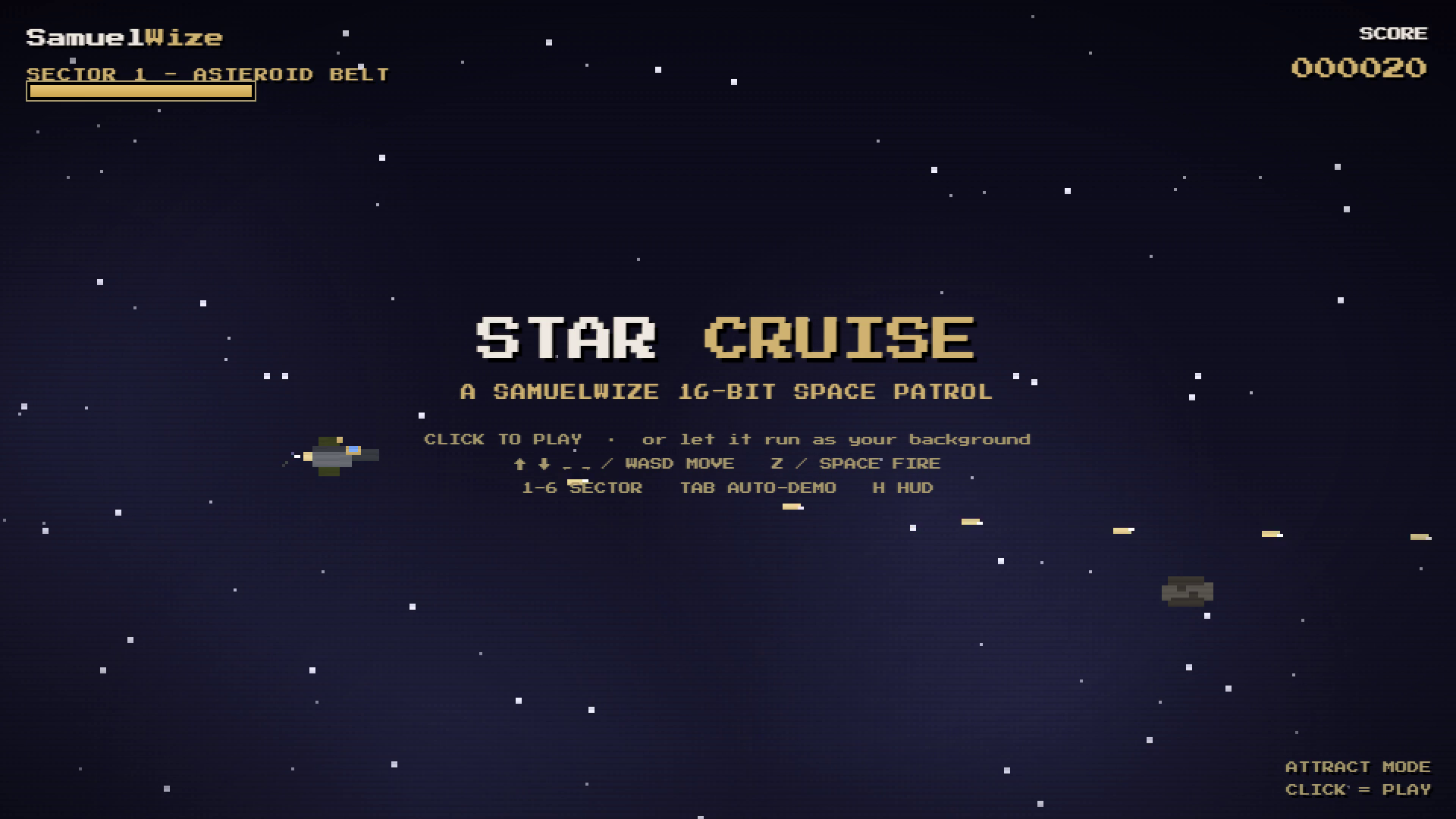
The finale lifts off into deep space — starfields, a distant planet and drifting alien ships.
Not a picture. A world.
Click in and play
Press Ctrl+Alt+P and the wallpaper becomes a real arcade side-scroller. Press again to hand it back to the demo.
Runs behind your icons
It lives on your desktop as a true free animated wallpaper — frame-capped, quiet in the background, and it pauses for fullscreen games.
Song-synced 16-bit
Six stages, each scored and cycling in attract mode. The art scrolls to the music, with CRT scanline and HUD toggles.
From download to living desktop
Install the free app
Download SamuelWize Wallpapers for Windows. It's free, needs no account, and Golden Road is already included.
Pick it per monitor
Open the app, choose Golden Road, and set it on any monitor — run it on one screen while another shows a different pack.
Press Ctrl+Alt+P to play
Watch SamuelWize auto-run the six stages, then press Ctrl+Alt+P to take control. Keys 1–6 jump straight to any stage.
Good to know
Is it really free?
Is Golden Road a live wallpaper or a game?
Which versions of Windows does it support?
Will it slow down my PC?
Explore the rest of the gallery

Put Street Force — Golden Road behind your icons.
Install the free app and your desktop becomes a playable 16-bit arcade run from Viking shores to deep space — free.