 SamuelWize Wallpapers
The Cloud Kingdom — a free live wallpaper you can play
A song-synced 16-bit journey that lives behind your desktop icons. It carries itself through six worlds all the way to Machu Picchu — then you press Ctrl+Alt+P and take the controls. A free animated wallpaper for Windows 10 & 11, multi-monitor ready.
Ctrl+Alt+P and you're playing it
Runs behind your icons · No account needed · Free updates
A living journey to Machu Picchu, on your desktop
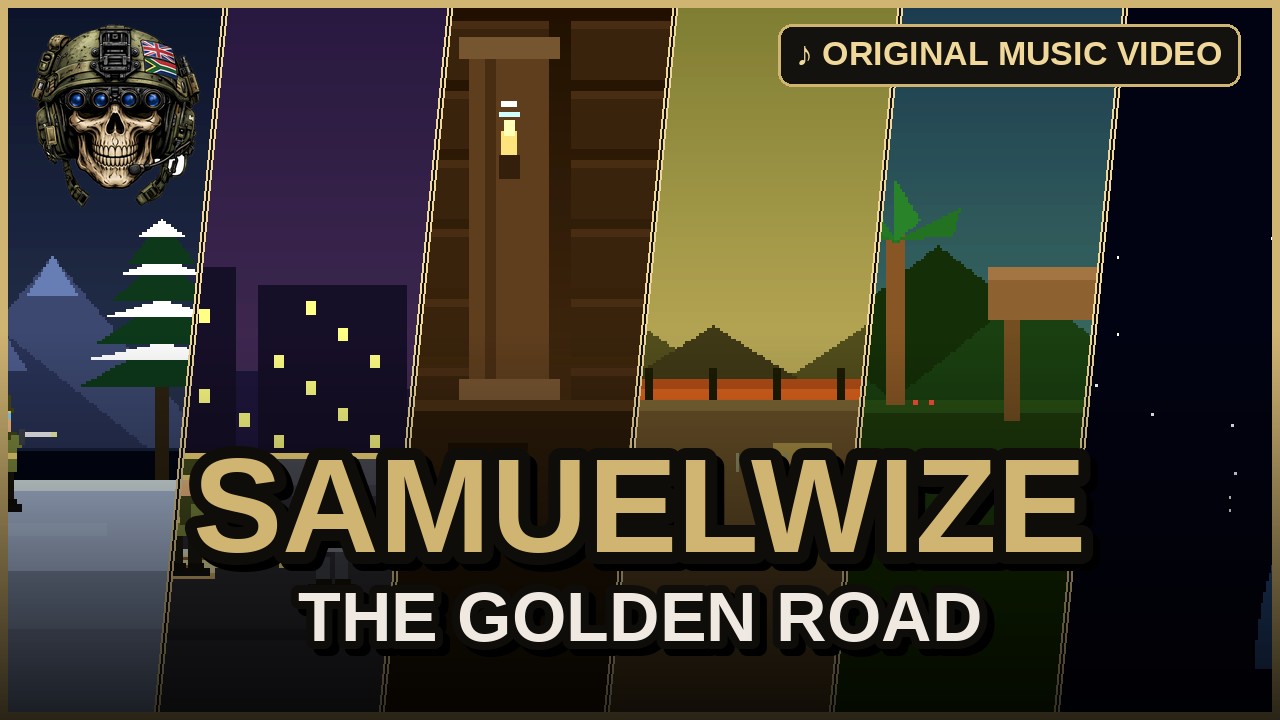
The Cloud Kingdom is a hand-built 16-bit world that runs as a true animated wallpaper behind your icons. In attract mode it carries you through six scored worlds — singing dunes, a witch-marsh, a fever jungle, weeping shrines, the cloud ascent and finally the golden temples of Machu Picchu — the art moving to the music. Press Ctrl+Alt+P and it becomes playable: run, jump and sound your flute through the same six worlds, with the number keys 1–6 to jump straight to any one of them. It's far more than a static picture or a looping video — and it's a free live wallpaper for Windows, included with the app.
Where the journey takes you
The Whispering Downs
The dunes begin to sing as you set out across the golden, drifting sands.
The Witch-Marsh
It's not your sword that matters here, but what is inside your chest.
The Fever Jungle
Parrots flash like living flame through a humid, overgrown green canopy.
The Weeping Shrines
Ancient statues weep from old grief as you pass the silent shrines.
The Cloud Ascent
Then the mist breaks open and the path climbs up through the clouds.
Machu Picchu
The golden temples kiss the sky as the song-synced journey reaches its end.
Not a picture. A world.
Press play, then play
Press Ctrl+Alt+P and the wallpaper becomes a real run-and-jump platformer with a flute. Press again to hand it back to the demo.
Runs behind your icons
It lives on your desktop as a true animated wallpaper — frame-capped, quiet in the background, and it pauses for fullscreen games.
Song-synced 16-bit
Six worlds, each scored and cycling in attract mode toward Machu Picchu. The art moves to the music, with CRT scanline and HUD toggles.
From download to living desktop
Install the free app
Download SamuelWize Wallpapers for Windows. It's free, needs no account, and The Cloud Kingdom is included.
Pick it per monitor
Open the app and set The Cloud Kingdom on any screen. Run a different pack on another monitor if you like.
Press Ctrl+Alt+P to play
Click in with Ctrl+Alt+P to take the controls, sound the flute, and journey the six worlds yourself.
Good to know
Is The Cloud Kingdom a live wallpaper or a game?
Which versions of Windows does it support?
Is it really free?
Will it slow down my PC?
Explore the rest of the gallery

Put The Cloud Kingdom behind your icons.
Install the free app and The Cloud Kingdom is included — a free live wallpaper for Windows that turns your desktop into a playable journey to Machu Picchu.