 SamuelWize Wallpapers
The Museum Between Worlds — a playable live wallpaper in six paintings
An impossible museum outside reality, hung with six enormous paintings. Each one is a whole fading world where Wisp left a light behind, and SamuelWize steps through the frames to bring them home. There is no combat — movement is the entire game — and every painting he finishes permanently brings the gallery back to life. For Windows 10 & 11, multi-monitor ready.
Ctrl + Alt + P — step through the frame yourself
Runs behind your icons · Buy inside the free app · No subscription
Six worlds, hung on a wall, behind your icons
The Museum Between Worlds is a hand-built pixel world that runs as a true animated wallpaper behind your desktop icons. Left alone it auto-cycles in attract mode, touring all six paintings on its own. Press Ctrl+Alt+P and you take the controls — and there is nothing to fight. It's a traversal-first exploration platformer, so movement is the whole game: balancing, swinging, climbing ladders and walls, hanging and shimmying along ledges, riding steam lifts and living platforms, and sliding across true low-friction ice. "I carry light into dark places. I leave it there. I move on." — that's Wisp. SamuelWize is the one who follows to carry it home. Original soundtrack, photo mode with grade filters, and photosensitivity-graded scenes with a photosensitive-safe toggle. It's the first pack built on the new engine.
What hangs in the gallery
Japanese Garden
A moonlit garden — the first frame he steps into, and the first light to carry home.
Haunted Lighthouse
A storm-lashed lighthouse, its lamp still turning over a world that is fading out.
Snow Village
A frozen village. Another light left behind, another painting waiting to be finished.
Desert Ruins
Sun-bleached ruins — step through the frame and the ruins are the whole world.
Alien Jungle
A bioluminescent jungle, glowing on quietly. The fifth world, and the fifth light.
Victorian Skyline
Victorian rooftops, and the last frame. Finish it and the gallery is whole: six lights, carried home.
Not a picture. A world.
No combat. Movement is the game.
Balancing, swinging, climbing ladders and walls, hanging and shimmying along ledges, riding steam lifts and living platforms, and sliding on true low-friction ice. Nothing to fight — everywhere to go.
Runs behind your icons
It lives on your desktop as a true animated wallpaper — frame-capped, quiet in the background, and it pauses for fullscreen games.
The gallery stays lit
Every painting you finish permanently brings the museum back to life. With an original soundtrack, photo mode with grade filters, and a photosensitive-safe toggle.
From the Store to a living desktop
Install the free app
Get SamuelWize Wallpapers free from the Microsoft Store. No account needed, and it comes with two full packs to try.
Buy the Museum in-app
Open the pack in the gallery and buy it right inside the app — a one-time £2.99 through the Microsoft Store.
It unlocks instantly
The purchase follows your Microsoft account — no license key, and it restores after a reinstall. Set it on any monitor and let the tour begin.
Good to know
Is The Museum Between Worlds a live wallpaper or a game?
Where do I buy it?
How much does it cost?
Will it slow down my PC?
Explore the rest of the gallery
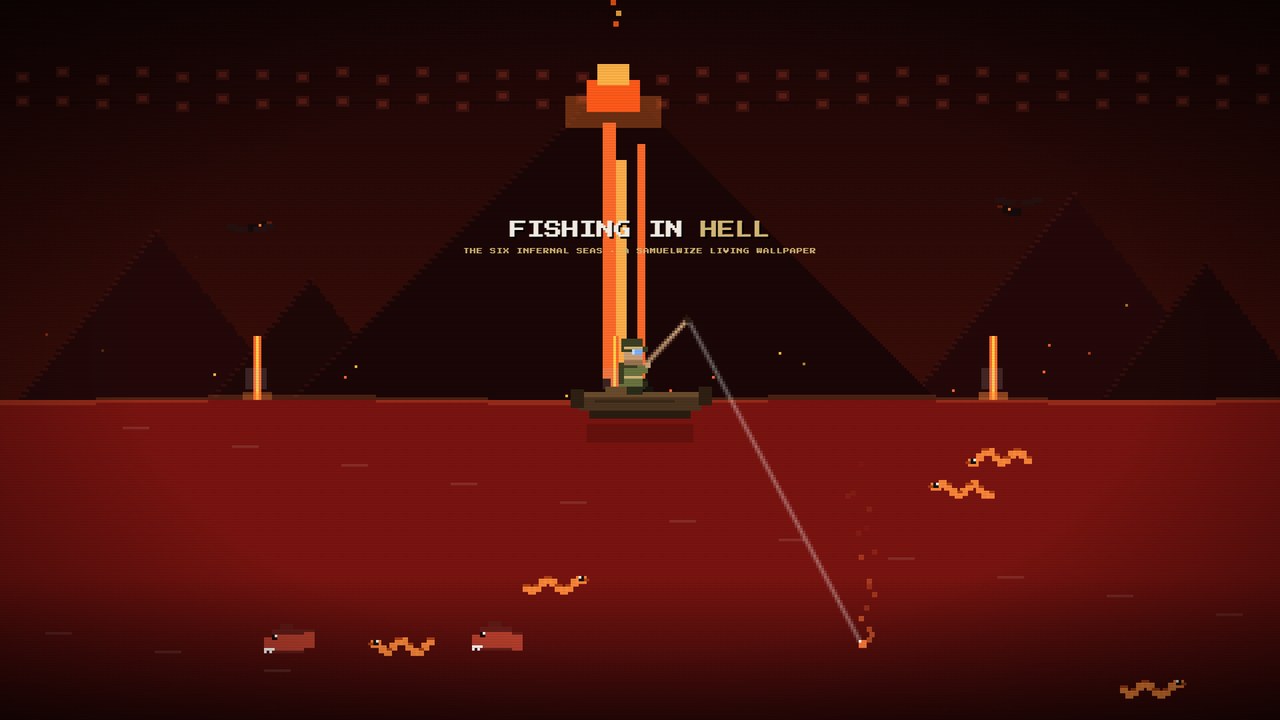
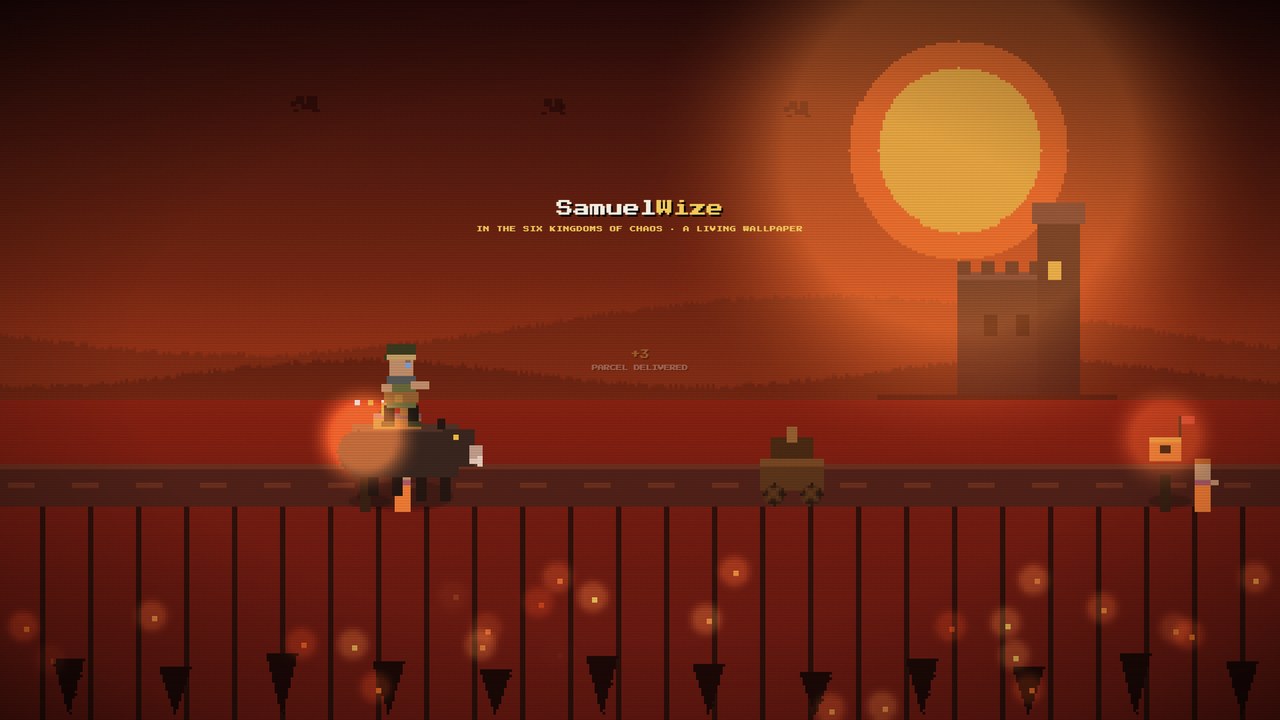
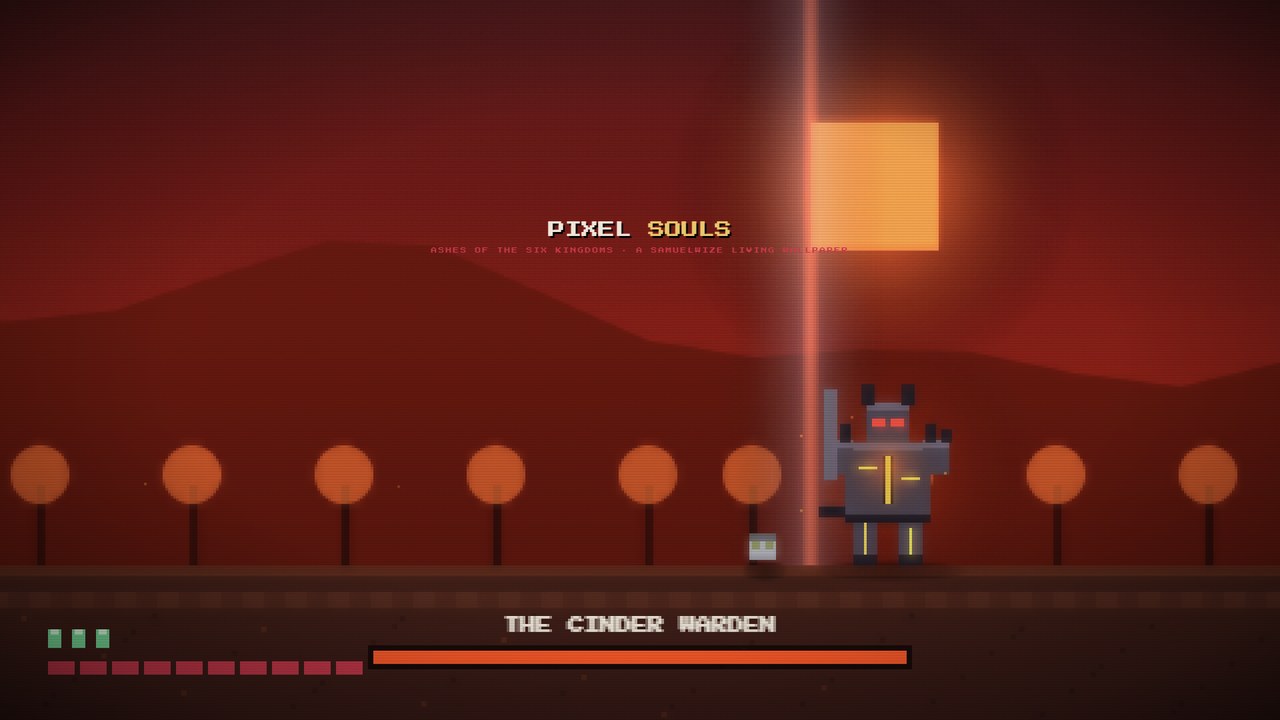
Hang six worlds behind your icons.
Install the free app from the Microsoft Store and unlock The Museum Between Worlds for a one-time £2.99 — six lights, carried home.